
How to Transcribe Interviews Automatically: The Complete Guide
Master automatic interview transcription with our comprehensive guide. Learn about AI tools, best practices, and expert tips to save time and improve accuracy.
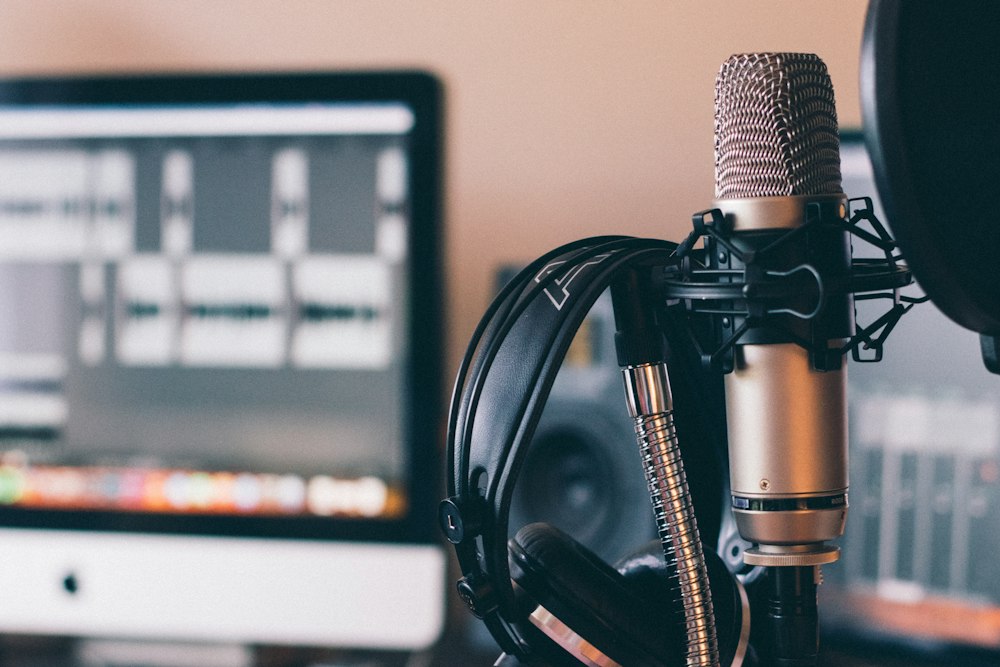
How to Transcribe Interviews Automatically: The Complete Guide
Transcribing interviews is a crucial task for journalists, researchers, and content creators, but it can be incredibly time-consuming. In this comprehensive guide, we'll explore how to leverage cutting-edge AI-powered tools to transform your transcription workflow, saving you valuable time while maintaining high accuracy.
Why Choose Automatic Transcription?
The landscape of interview transcription has evolved dramatically with the advent of artificial intelligence. Here's why automatic transcription is becoming the preferred choice for professionals:
Time and Resource Efficiency
- Dramatic Time Savings: Reduce transcription time by up to 80% compared to manual methods
- Cost-Effective: Lower costs per transcription, especially for high-volume work
- Quick Turnaround: Get transcripts in minutes instead of hours
- Resource Optimization: Free up staff for more valuable analytical tasks
Enhanced Accuracy and Consistency
- AI-Powered Precision: Modern tools achieve 95%+ accuracy in ideal conditions
- Uniform Formatting: Maintain consistent style across all transcripts
- Multiple Language Support: Handle multilingual interviews effortlessly
- Continuous Improvement: AI models learn and improve over time
Scalability Benefits
- Handle Multiple Projects: Process multiple interviews simultaneously
- Batch Processing: Upload multiple files for overnight processing
- Flexible Output Formats: Export in various formats (TXT, DOC, SRT, etc.)
- Integration Capabilities: Connect with your existing workflow tools
Top Tools for Automatic Transcription
Choosing the right transcription tool is crucial for success. Here's a detailed analysis of key features to look for:
1. Advanced Speech Recognition
- Neural Network Models: Latest AI technology for superior accuracy
- Speaker Diarization: Automatically distinguish between different speakers
- Background Noise Handling: Clean audio processing in less-than-ideal conditions
- Accent Recognition: Support for various English accents and dialects
2. Editing and Review Interface
- Interactive Editor: User-friendly interface for quick corrections
- Waveform Visualization: See audio waves alongside text
- Real-time Collaboration: Multiple team members can work simultaneously
- Search and Replace: Bulk edit common mistakes or terms
- Custom Vocabulary: Add industry-specific terms and proper nouns
3. Quality Control Features
- Confidence Scores: Highlighting of potentially problematic sections
- Automated Quality Checks: Punctuation and formatting verification
- Style Enforcement: Maintain consistent formatting and capitalization
- Version History: Track changes and revisions
Step-by-Step Transcription Workflow
Follow this optimized workflow to get the best results from automatic transcription:
1. Preparation Phase
-
Audio Quality Optimization
- Record in a quiet environment when possible
- Use quality microphones and recording equipment
- Position speakers close to microphones
- Test recording levels before the full interview
-
File Preparation
- Convert audio to supported formats (usually MP3 or WAV)
- Split long interviews into manageable segments
- Remove unnecessary silence or background noise
- Check file size and duration limits
2. Transcription Process
-
Upload and Settings
- Select appropriate language and accent options
- Choose between verbatim or clean read
- Set speaker identification preferences
- Configure custom vocabulary if needed
-
Processing and Monitoring
- Track progress in real-time
- Review initial segments for quality
- Adjust settings if necessary
- Monitor system notifications
3. Review and Refinement
-
Initial Review
- Check speaker identification accuracy
- Verify technical term transcription
- Review punctuation and formatting
- Address any highlighted confidence issues
-
Detailed Editing
- Correct any misheard words
- Add proper punctuation and paragraphing
- Format speaker labels consistently
- Include non-verbal cues if relevant
Best Practices for Professional Results
Accuracy Enhancement
- Always Review Critical Content: Especially quotes and technical terms
- Use Custom Dictionaries: Add industry-specific terminology
- Maintain Speaker Context: Include clear speaker identification
- Document Special Cases: Note accents, technical terms, or unique pronunciations
Organization and Workflow
- Implement File Naming Conventions: Create consistent, clear file names
- Establish Quality Standards: Define acceptable accuracy levels
- Create Style Guides: Maintain consistency across projects
- Set Up Regular Backups: Protect your transcription work
Troubleshooting Common Issues
Audio Quality Problems
- Solution: Use audio enhancement tools before transcription
- Prevention: Invest in quality recording equipment
- Backup: Always have a secondary recording device
Accuracy Issues
- Solution: Train the AI with your specific vocabulary
- Prevention: Speak clearly and avoid overlapping speech
- Backup: Keep original audio files for reference
Conclusion
Automatic transcription has revolutionized the way we handle interview content. While the technology isn't perfect, combining AI-powered tools with human oversight creates an efficient and accurate transcription workflow. By following the best practices and workflows outlined in this guide, you'll be well-equipped to handle any transcription project effectively.
Transform Your Interview Transcription Process Today
Save hours of manual work with MP3toTXT's advanced AI transcription tool designed specifically for journalists and researchers.
Try MP3toTXT FreeNo credit card required. Includes 30 minutes of free transcription.
Fran Conejos
Fundador de MP3toTXT y experto en tecnologías de transcripción y procesamiento de audio.